Keep a Sign Reorder File So the Next Batch Matches
A useful sign reorder file contains the editable design, the approved print artwork, the final proof and a plain-language record of what was ordered. Keep them together with the order number. A photograph of the installed sign is helpful context, but it cannot replace the production file or the material and finishing specification.

The goal is to remove guesswork when you need another batch. Even if the same person handles the reorder, months can pass and product options can change. A clear record makes those differences visible before a new order is approved.
Save the three different kinds of evidence
Editable source: Keep the project that allows you to change text, move objects and replace artwork. Include the original logo or photos separately when appropriate, along with any permitted fonts or information needed to identify them.
Approved output: Keep the exact print file and any matching cut file that were approved. Do not overwrite these when preparing a new version. A proof labeled for review belongs alongside them, clearly identified so it is not confused with production artwork.
Order specification: Record finished width and height, product, material, thickness when applicable, printed sides, corner treatment, selected finishing, quantity and hardware. Include any written clarification that affected the final job.
Make the specification readable without opening the artwork
Create a short text document or spreadsheet row for each distinct version. “Lobby sign” is not enough if the organization also uses a smaller reception sign with the same logo. Add a location or purpose code, such as LOB-01.
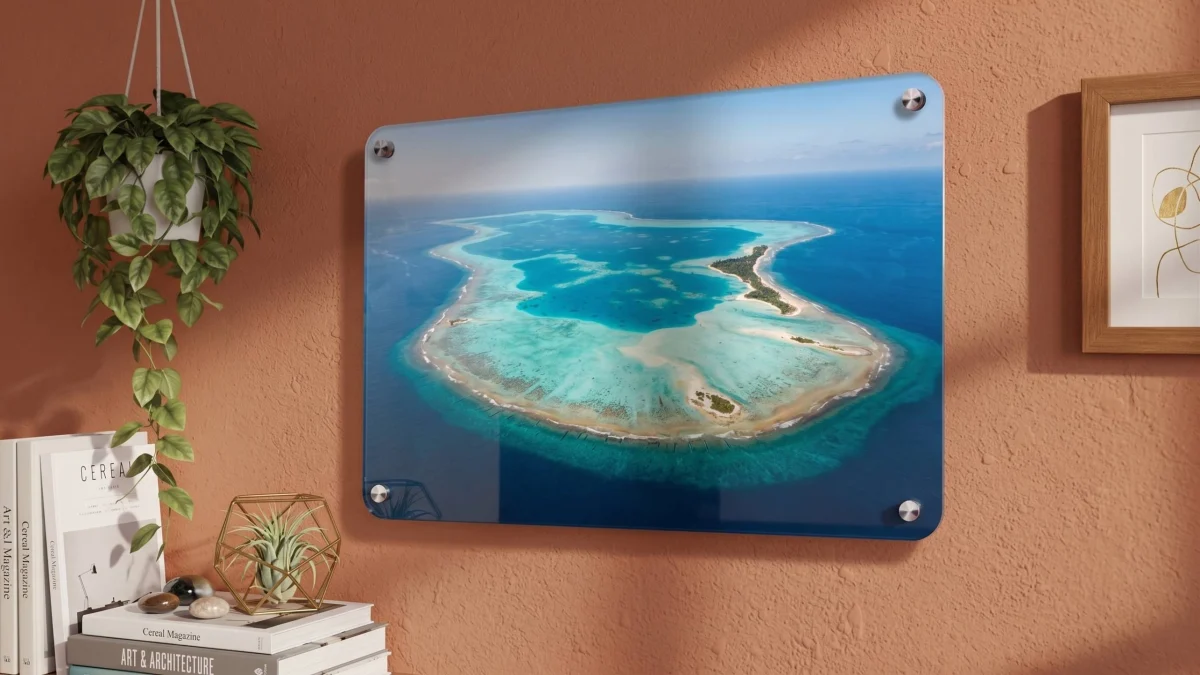
Use the order’s actual product description. For example, the acrylic sign product describes reverse printing viewed through the clear face. Recording only “clear sign” would omit an important production detail. Confirm current specifications when reordering instead of assuming an older option remains unchanged.
Document mounting details separately from the printed design. A photo of four visible standoffs does not establish their dimensions, hole positions or suitability for a different wall. Keep approved measurements and hardware selections rather than estimating from a photograph.
Worked example: a filename can expose the wrong version
Consider two hypothetical signs with the same artwork: a 24 × 18-inch landscape panel and an 18 × 24-inch portrait panel. Each has an area of 432 square inches because 24 × 18 = 18 × 24. An area-only reorder record cannot distinguish them.
Name the files “REC-01-24w-18h-landscape-v03” and “REC-02-18w-24h-portrait-v02.” The width, height, orientation and revision now remain visible outside the design application.
Similarly, a repeat request for 10 copies of each version is 20 signs, but it still needs two identified artwork entries. The shared area and total quantity do not authorize substituting one orientation for the other. This example illustrates recordkeeping, not a pricing method.
Separate a master from a new order revision
Keep the original approved folder read-only in your own workflow, or duplicate it before making changes. Create a new dated folder for the next order. Start its change log with a specific statement such as “Phone number updated; dimensions and material requested unchanged.”
In Sign Designer, download the editable project rather than relying only on browser recovery. The current interface explains that browser saves are local and may disappear when cache is cleared or you switch devices. Store the project somewhere your business can find and back up.
Reopen the saved file once to make sure it is the expected design. Check that the print output corresponds to the same revision. Several files called “final” can be more confusing than no naming system at all.
Compare before placing the repeat order
Review contact information, offers and locations even when you want a visual match. Repeating an outdated telephone number accurately is still an error. Confirm that the intended size, finish and display location remain suitable.
A previous print is a useful reference, but exact color appearance across different materials, finishes or production runs should not be assumed. If matching existing pieces is critical, say so and discuss the available review process before ordering. Do not treat an ordinary screen screenshot as a calibrated color reference.
Send the order number, approved files and a short list of changes through the contact page when a reorder needs clarification. Keeping that packet complete lets the next conversation focus on what changed instead of reconstructing what you bought.