

How to Prepare Your Logo File for Sign Printing
The single biggest factor in how good your finished sign looks is the file you upload. Here is exactly what to send us – and what to avoid – so your acrylic sign comes out sharp, vivid, and true to your brand.
Best file formats, ranked
- Vector (best): PDF, AI, EPS, SVG. Vector artwork is math, not pixels, so it scales to any sign size with perfectly crisp edges. If your designer gave you a “logo package,” the vector files are the ones to use.
- High-resolution raster (great): PNG, TIFF, PSD. PNG supports transparency and doesn’t compress away detail.
- Compressed raster (okay): JPG. Fine if it’s high resolution, but JPG compression can blur fine text and logo edges.
Resolution: the 300 DPI rule
For raster files, aim for 300 pixels per inch at the printed size. A 24″ x 12″ sign ideally wants artwork around 7200 x 3600 pixels. Don’t panic if your file is smaller – 100–150 DPI still looks good at typical viewing distances – but never upload a tiny web logo (like a 200-pixel favicon) and expect it to fill a two-foot sign.
A quick self-check: zoom your file to 100% on screen. If edges look fuzzy at full zoom, they will look fuzzy on the sign.
Transparent vs. white backgrounds
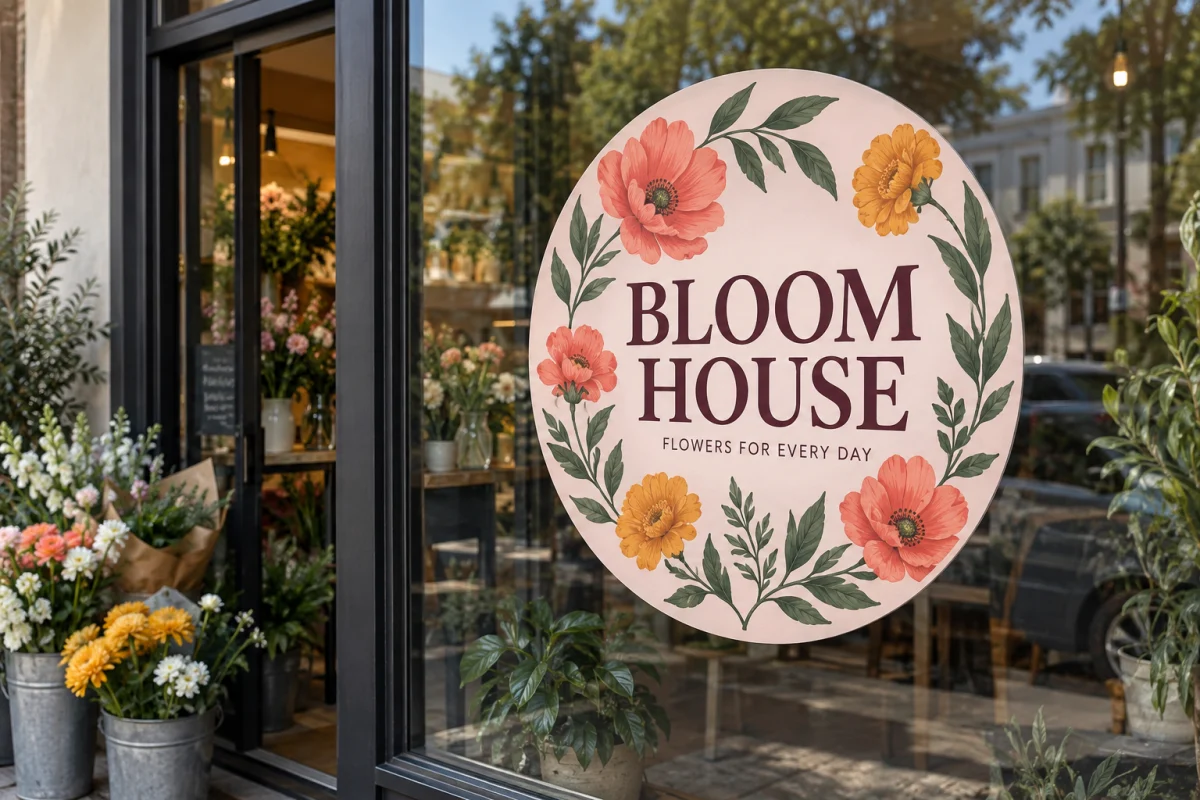
For acrylic signs, a PNG with a transparent background gives you options: we can print selective white behind your logo only, leaving the rest of the acrylic clear for a floating-logo effect. A solid white background prints as a solid white panel behind the whole sign. Both look great – just know which one you are sending.
Why print it with GetQuickSigns?
- typical production of 1–3 business days after artwork approval on most orders, with delivery options confirmed in the cart.
- Live pricing in the online builder – size it, option it, and see the cost instantly.
- Built-in file checks – DPI and color space are verified before anything prints.
- Real materials – the same commercial-grade stock the big sign shops use.
Color: RGB is fine
Send whatever you have. Our workflow handles RGB files (what most logos are) and converts them for print. If exact brand-color matching is critical, include your hex or Pantone values in the order notes and we’ll match as closely as the process allows.
Keep important content away from the edges
Leave at least 1/8″ (0.125″) of breathing room between any text or key graphics and the edge of your artwork. If you order rounded corners, keep content out of the corner zones too.
Pre-upload checklist
- Vector file, or raster at the highest resolution you have
- Transparent PNG if you want the floating-logo look
- Text converted to outlines (vector files) so fonts can’t shift
- Important content at least .125″ from every edge
- Artwork proportions match your sign proportions – our builder’s aspect-ratio lock handles this automatically
Ready to see it on a sign? Our builder shows a live preview of your artwork at your exact sign size, warns you about stretching, and prices everything instantly.
Ready to make it real?
Design it online with live pricing – Most standard prints take 1–3 business days after artwork approval. Shipping time is additional, with charges calculated in the cart.
Read the Artwork GuidelinesBrowse All Products

One Comment